 I'm having a hard time! I posted the video yesterday, early in the evening and since then I'm here trying to write my review... This App is too powerful, the possibilities it offers are endless. So of course I could describe each Slider, Knobs and Switches to you, but I really don't think it will help you understand this App, because depending on how you want to use it, all these parameters can have a different effect. So I give up, and I'm not going to explain anything to you now, here... But don't hesitate to look at all the examples and tutorials I added a little further down, taking specific examples and adding images. And check out the video too Bleass Sidekick is an extremely creative App. The proof is my video. I had too much fun, and another time, I didn't work.... My apologies for that. It is a Must Have for all musicians, DJs, sound engineers, sound designers, Remixers,... A Serial Killer App! A Must have! Price $6.99 $2.99 Author BLEASS Type Instrument, Effect Instrument type Synth Instrument sounds Drums, Percussion Effect type Compressor, Limiter, Gate, Other Supports Audiobus, Audio Unit (AU) Version 1.0 Released 05/23/2019
App Store description in the video's description 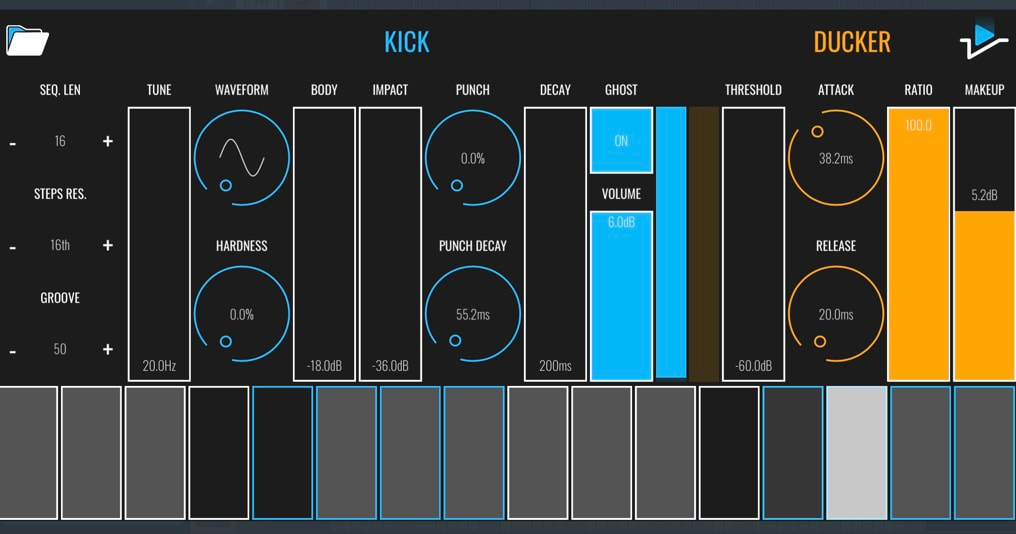 Gate
Compressor | Heavy compression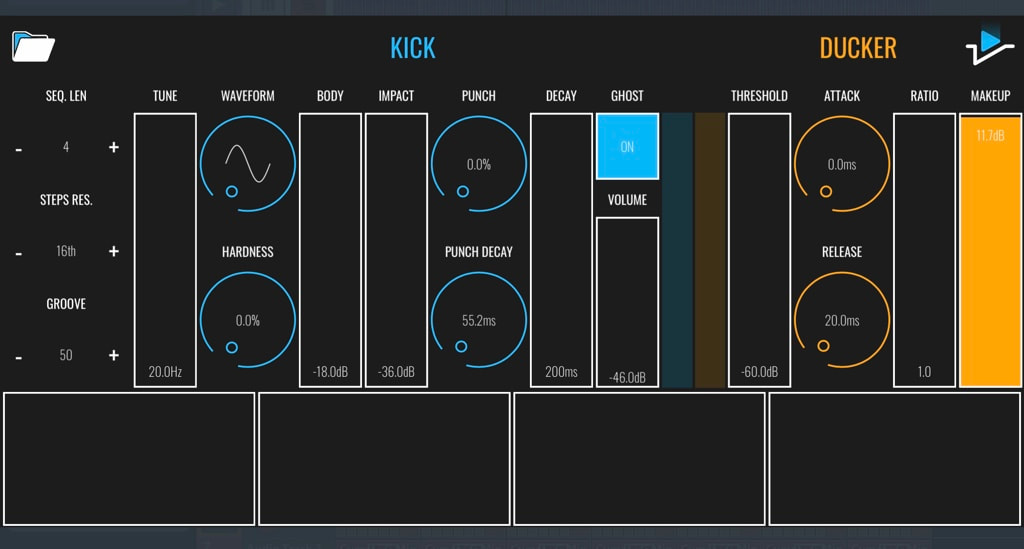 Ghost has no effect here (No event on every steps). Here, a very heavy compression. Only the Make Up will be able to affect your input signal Compressor / Limiter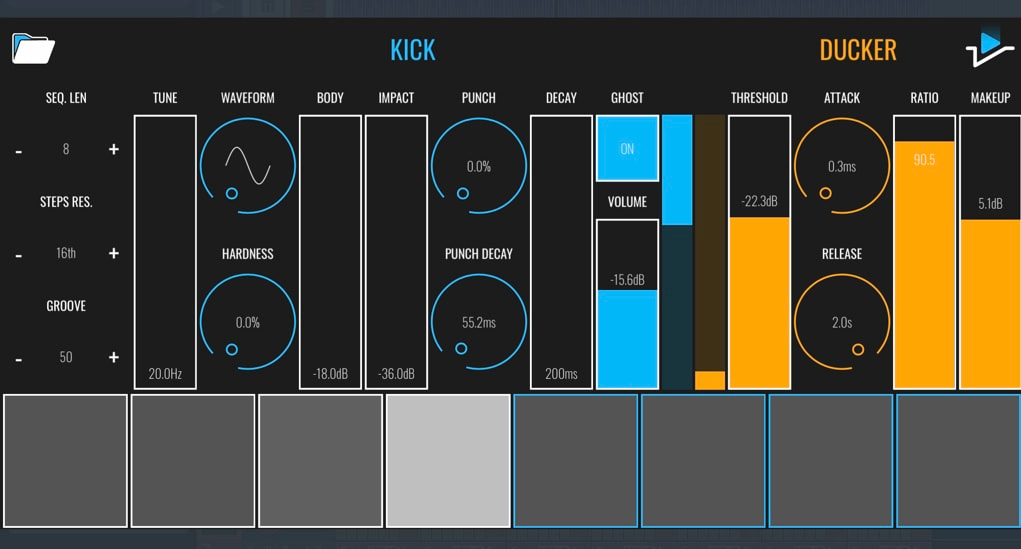 Ghost is On (no Kick Generator signal out). Here an event on all Steps. The Volume will act as a limiter. The Release knob is set to its maximum value to prevent a Ducker effect. Ratio will affect the Threshold slider. 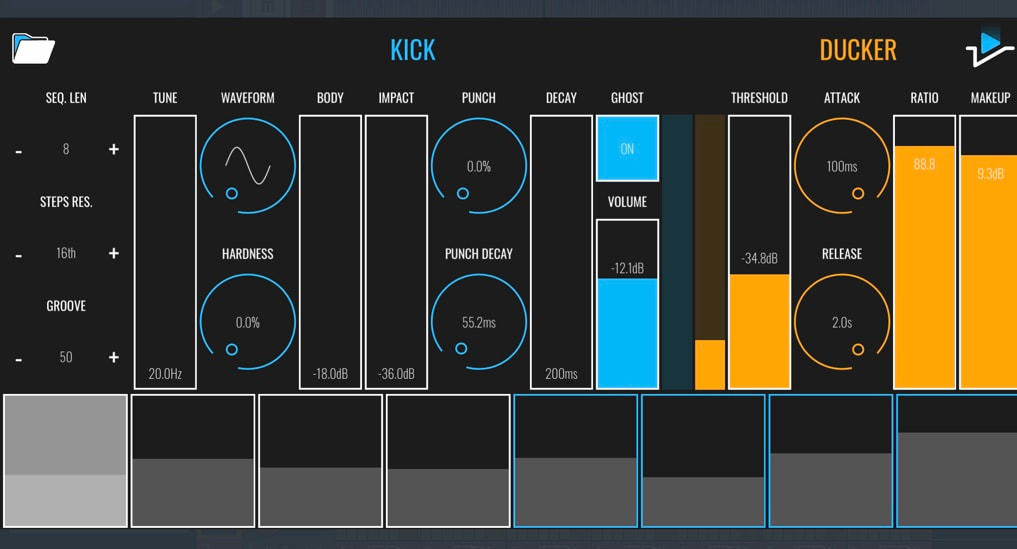 Another possibility is to use the Step Volume slider. The Volume (Limiter) will affect a step depending of your Steps settings Vitalizer | Vibrato effect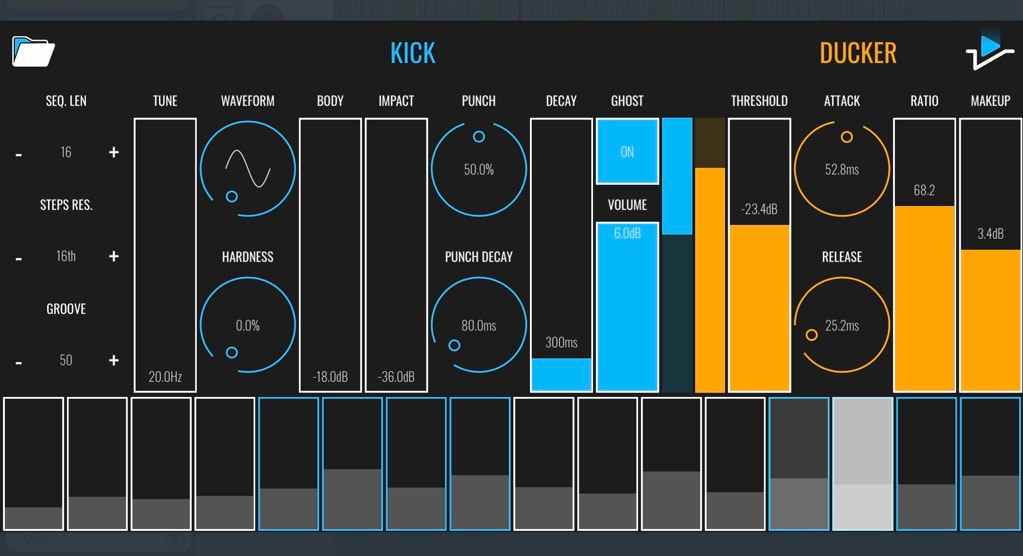 You can add life to a trek, for example on Strings, Brass, Woodwi,ds. Add a Vibrato effect too. The Setting is exactly the same as above but here we will add a very little value to all or the desired steps. We will be able to use the Release knob to add less or more life effect or Vibrato to a track. To generate a sound the Ghost mode must be disable FX for DJ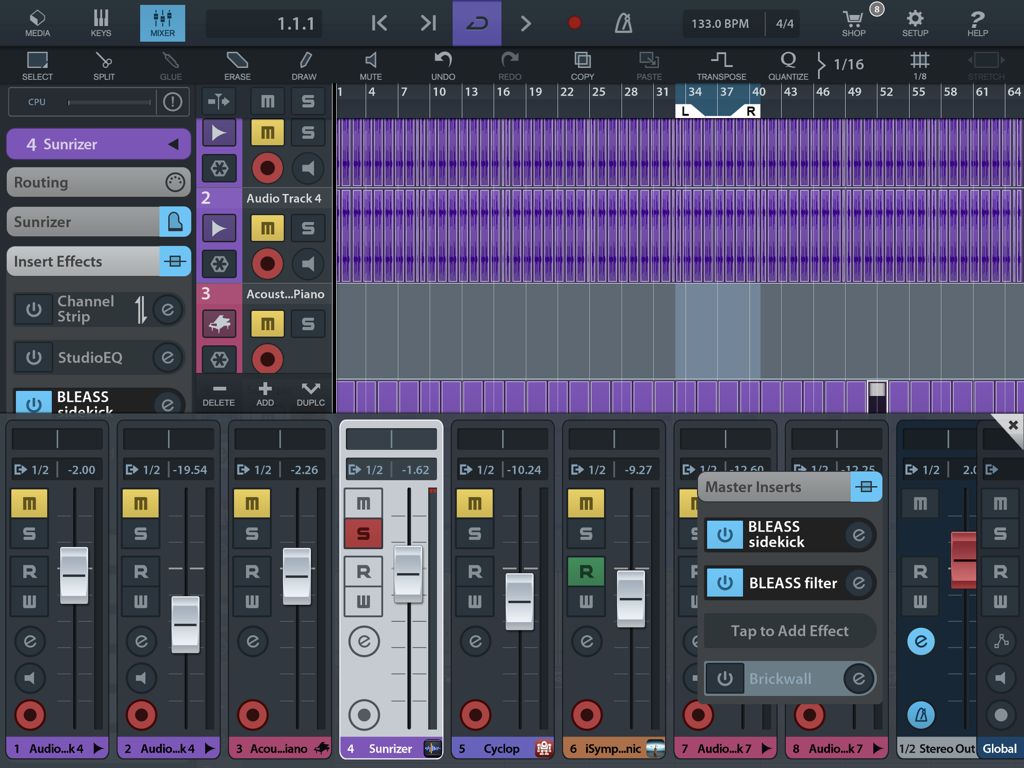 Add Bleass Sidekick to your Master out (note that it's great to use it with Bleass Filter) 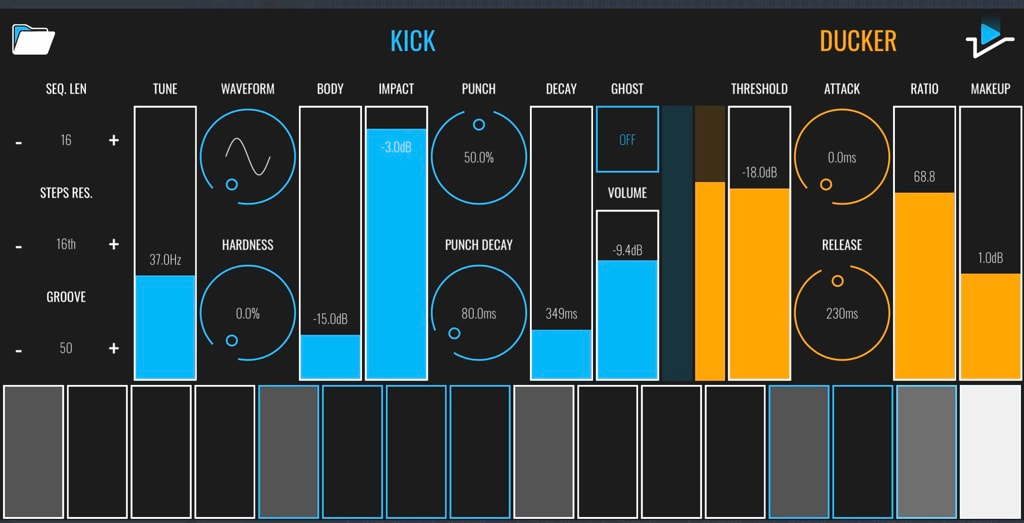 Ghost: Off | use the Make up as a mix between your generated Kick and your mix | Set the Ducker Attack to its minimum value | The release to the center position. Copy the Setting from the screenshot above.... The Kick Genarator | Sequencer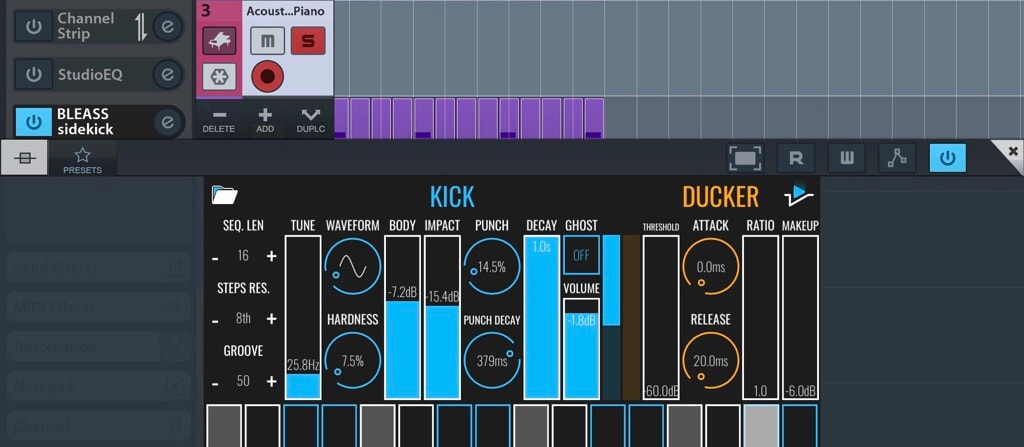 Bleass Sidekick is an AUv3 effect but here, it's more an instrument. So, you don't need to add audio to your tack. To play a note you will have to add an event to a step. You can set the volume for each steps. The Sequence length can be set to 4 to 16 steps. The Step resolution: 8, 8t, 16, 16t, 32 & 32 t. The Groove from 50 to 75. Always keep in mind that all parameters can be automated, the steps as well. Sequencer | A complex Polyrhythm sequence here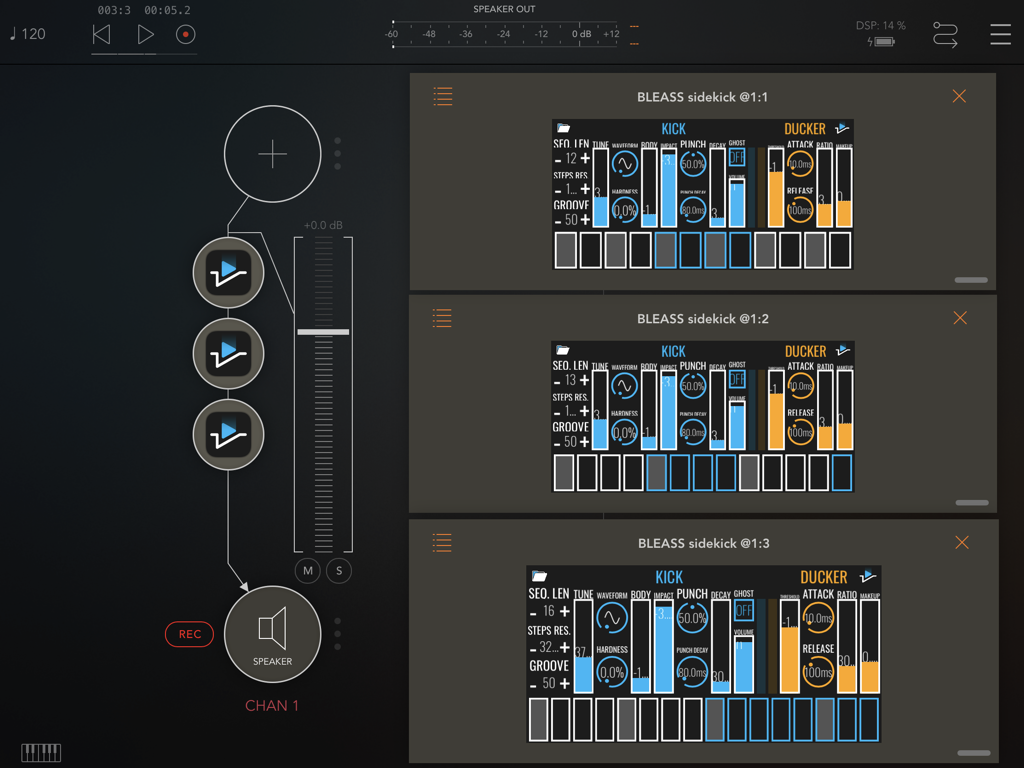 A Kick close to natural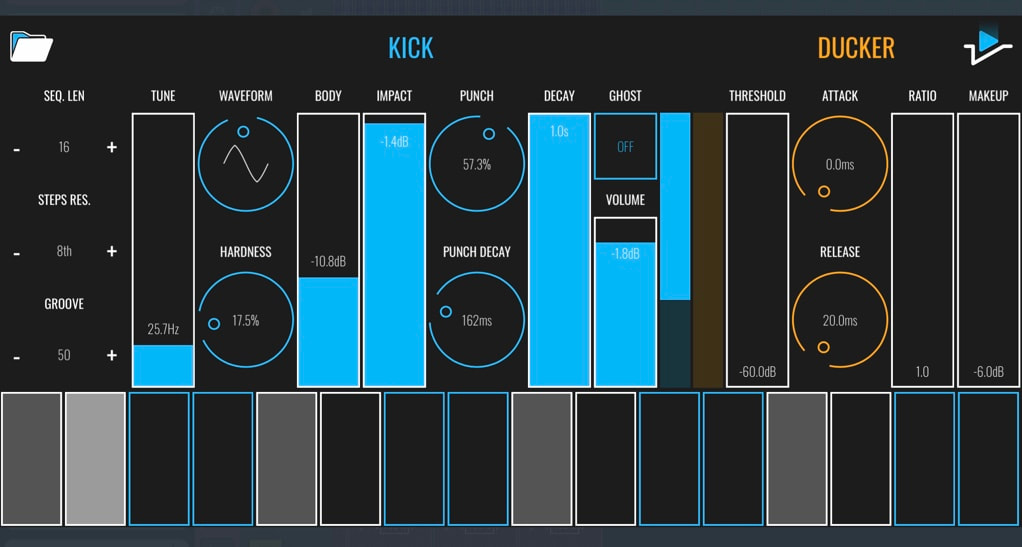 Don't use to much Hardness & Punch Decay. Set the Tune to a low value. Electronic Drum kick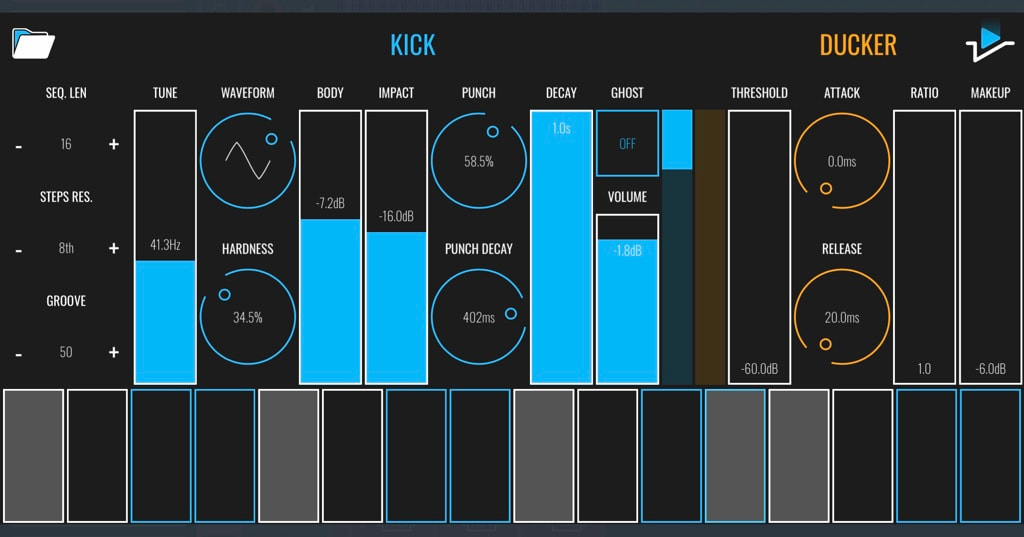 Use all the parameters as you like to generate the sound you like No more a Kick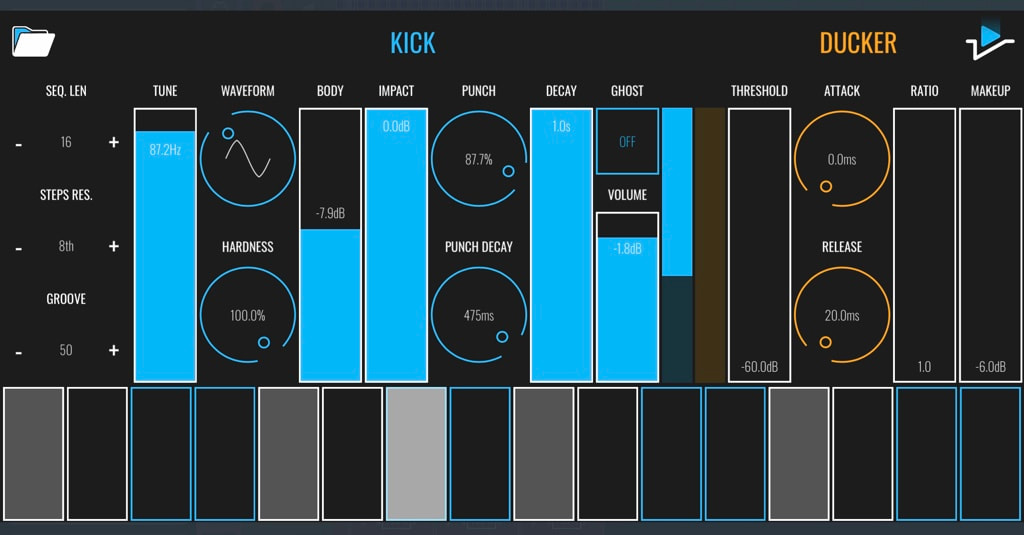 Hardness & Punch Decay to their max values will turn your sound into an FX. Use all the other parameters to shape your Special Fx sound Sidechain with or without a kick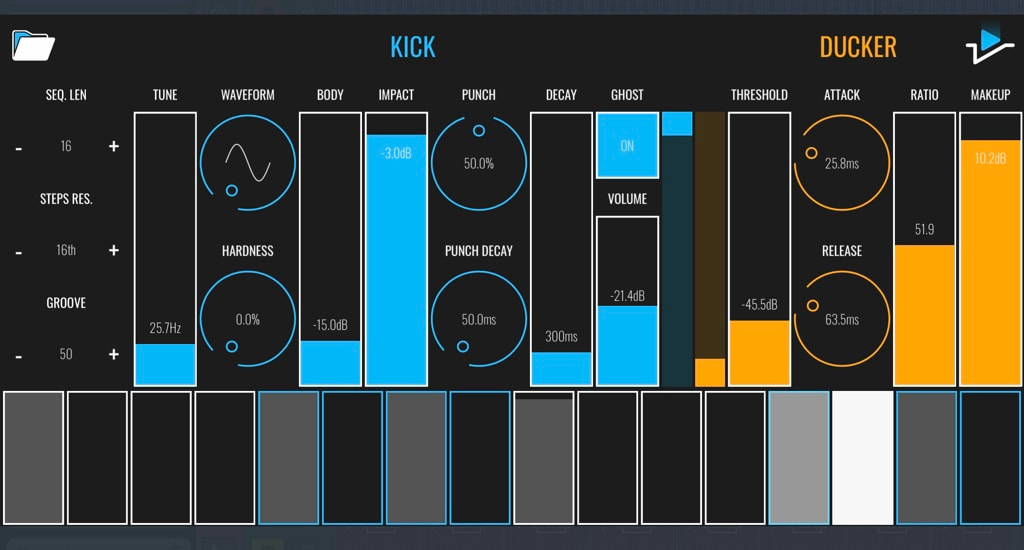 Depending of the Ghost mode some parameters will not act the same way and you sidechain result effect will not be the same. Try both and if you prefer the result with the Ghost position set to On (If you are using the Kick generator for your Kick track) , save your preset. Create a new track and load a new instance of Bleass sidekick. Load your preset and set the Ghost mode On to the other track. Automation tip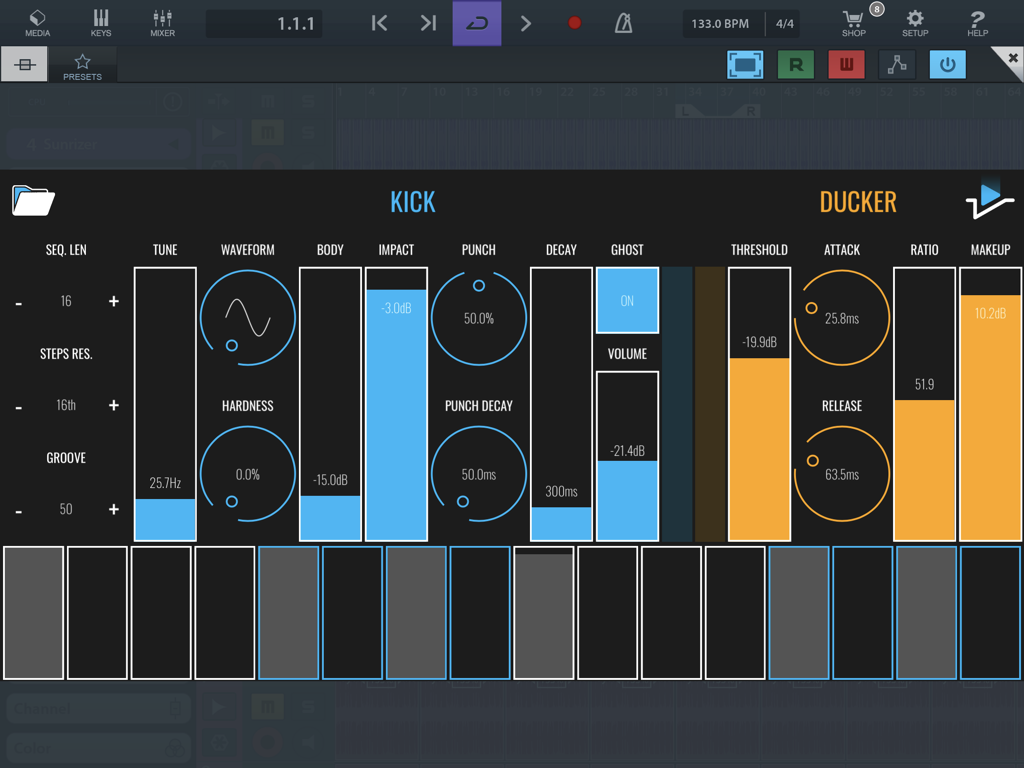 Even if you like to draw your automation, it will be faster to write an automation on the desired parameter, then open the automation widow (on the left side of the Power on switch) and delete it after. This will open the desired automation track parameter. 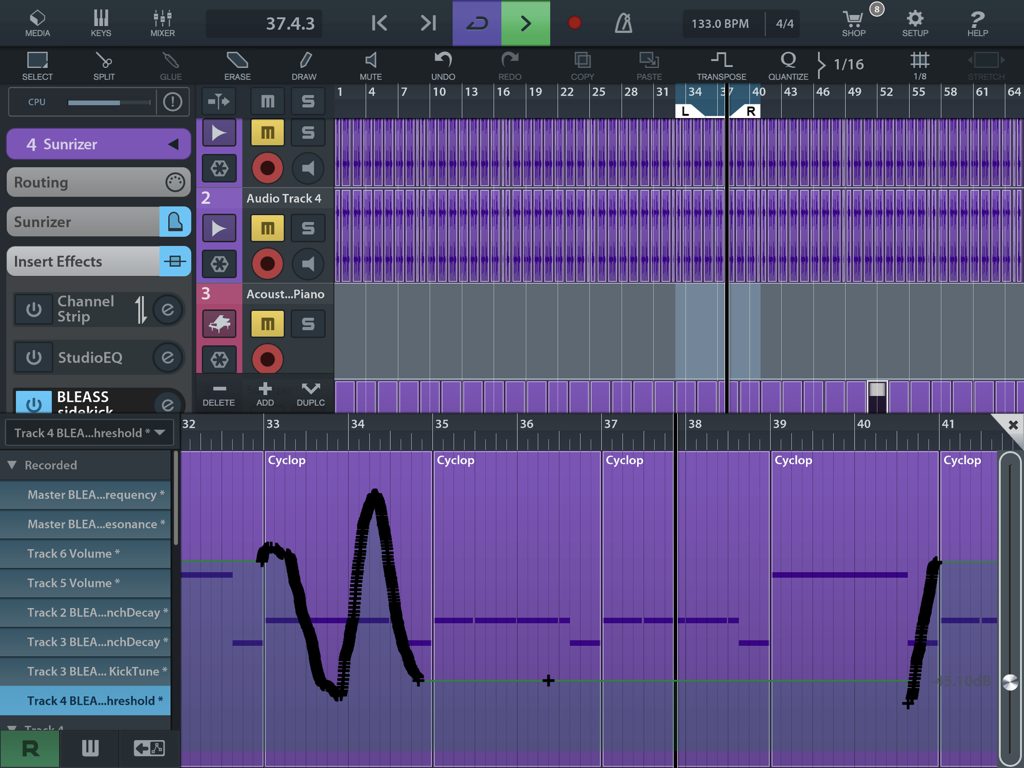  The new album from the Bleass developer... I am totally fan!
0 Comments
Your comment will be posted after it is approved.
Leave a Reply. |
AuthorEd Archives
December 2019






Because I can read everywhere a Policy...
|


 RSS Feed
